
 by
by A creative is a media unit and a core component of an ad campaign. A single creative can be reused across multiple campaigns without any limitations.
To view the complete list of creatives, go to the “Creatives” section in the sidebar menu.
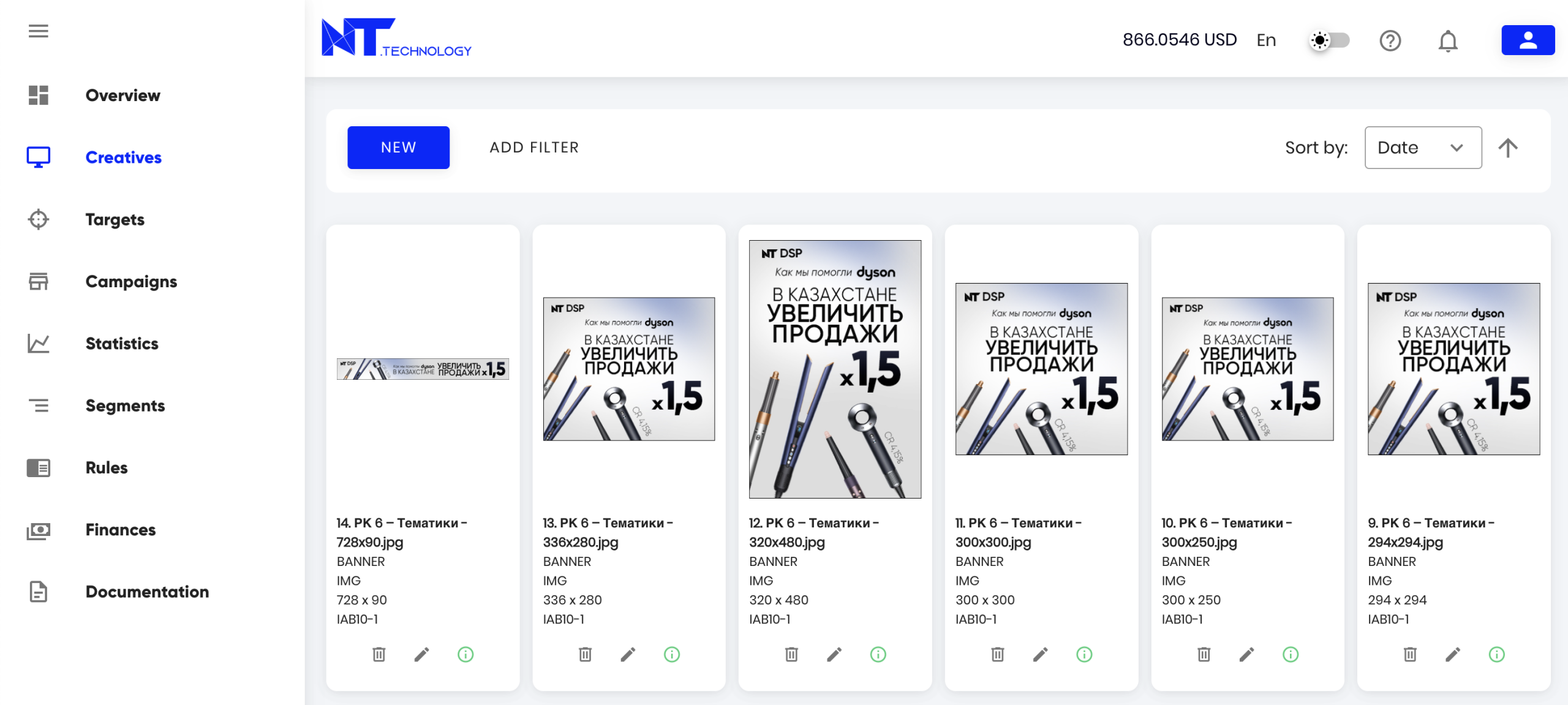
Available actions in the “Creatives” section:
- Create a new creative
- View or edit an existing creative
- Delete a creative (if it was used in a campaign, it will be archived to preserve campaign statistics)
- Sort creatives by date or name
- Search by Name, Type, Status, Client, Moderation Status, and Subtype. Detailed descriptions of each subtype are provided in the specifics of each creative type
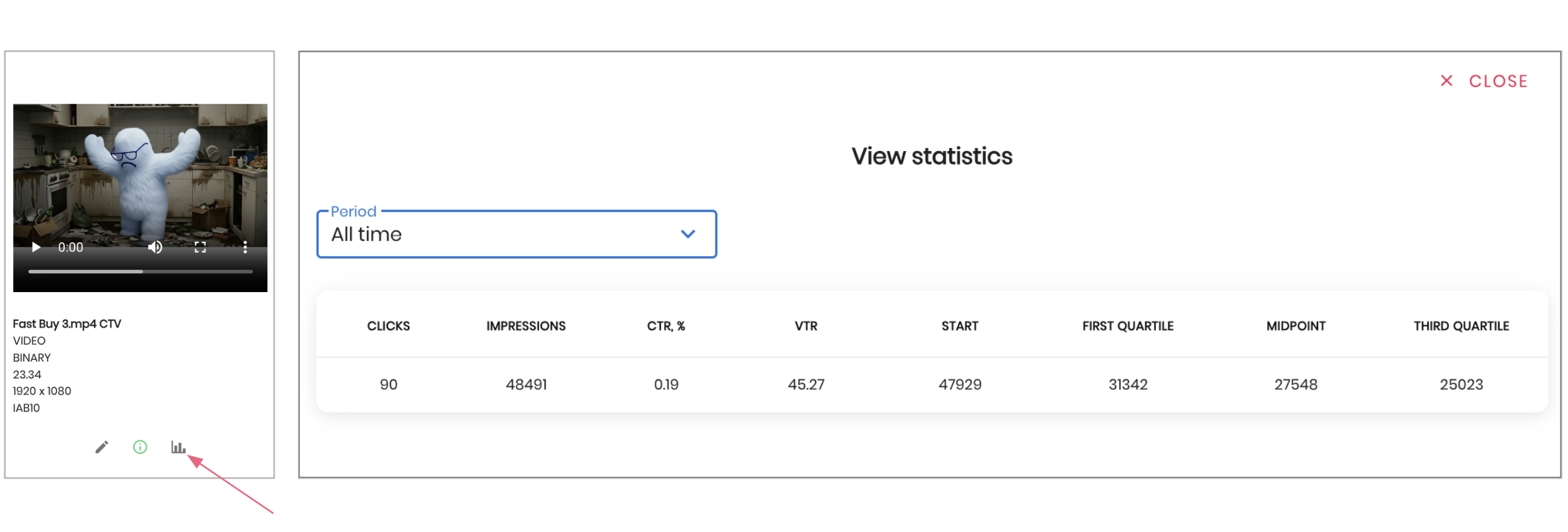
The Creatives section provides per-creative statistics, including clicks, impressions, CTR, VTR, video starts, and video completion rates at 25%, 50%, and 75%.
To create a new creative, click the “New” button and select the desired creative type. You can independently create four types of creatives:
After creation or editing, the creative is sent to the manager for moderation. Learn more about the moderation process here.